Native and small
Written in Rust with native macOS text and PDF rendering. No web view, no Electron. The whole thing fits in under 100 MB.
For macOS
I made a new reading app to save links and RSS feeds. Reader keeps every article you save and every story your feeds publish in one quiet, local library on your Mac.
Free · macOS 13 or later · Apple silicon

I wanted one place for the things I find and the things I follow. Each favourite got close, then fell short.
But its RSS sucks. Older stories vanish once a feed moves past its latest twenty.
But you can't save a link you found anywhere else.
But there's no RSS support at all.

Reader does both. Save any link, follow any feed, and never lose a story because a feed moved on.
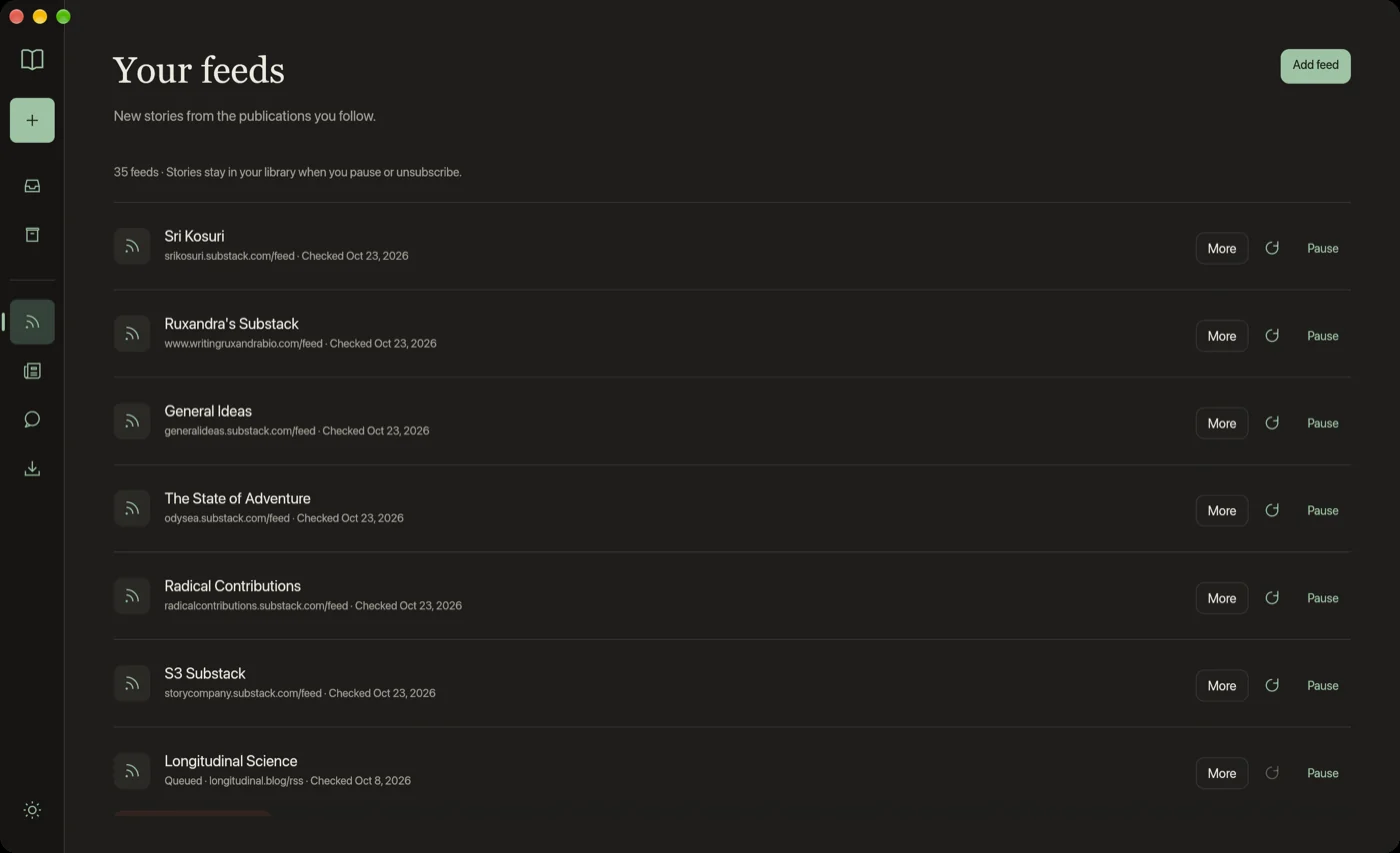
Feeds
Add RSS and Atom feeds and new posts land in your Inbox. Each one stays in your library, even after it slides off the feed or you unsubscribe.
Saving
Found something on your phone? Message yourself on WhatsApp with “save” and the link. It's waiting in your Inbox when you sit down at your Mac.
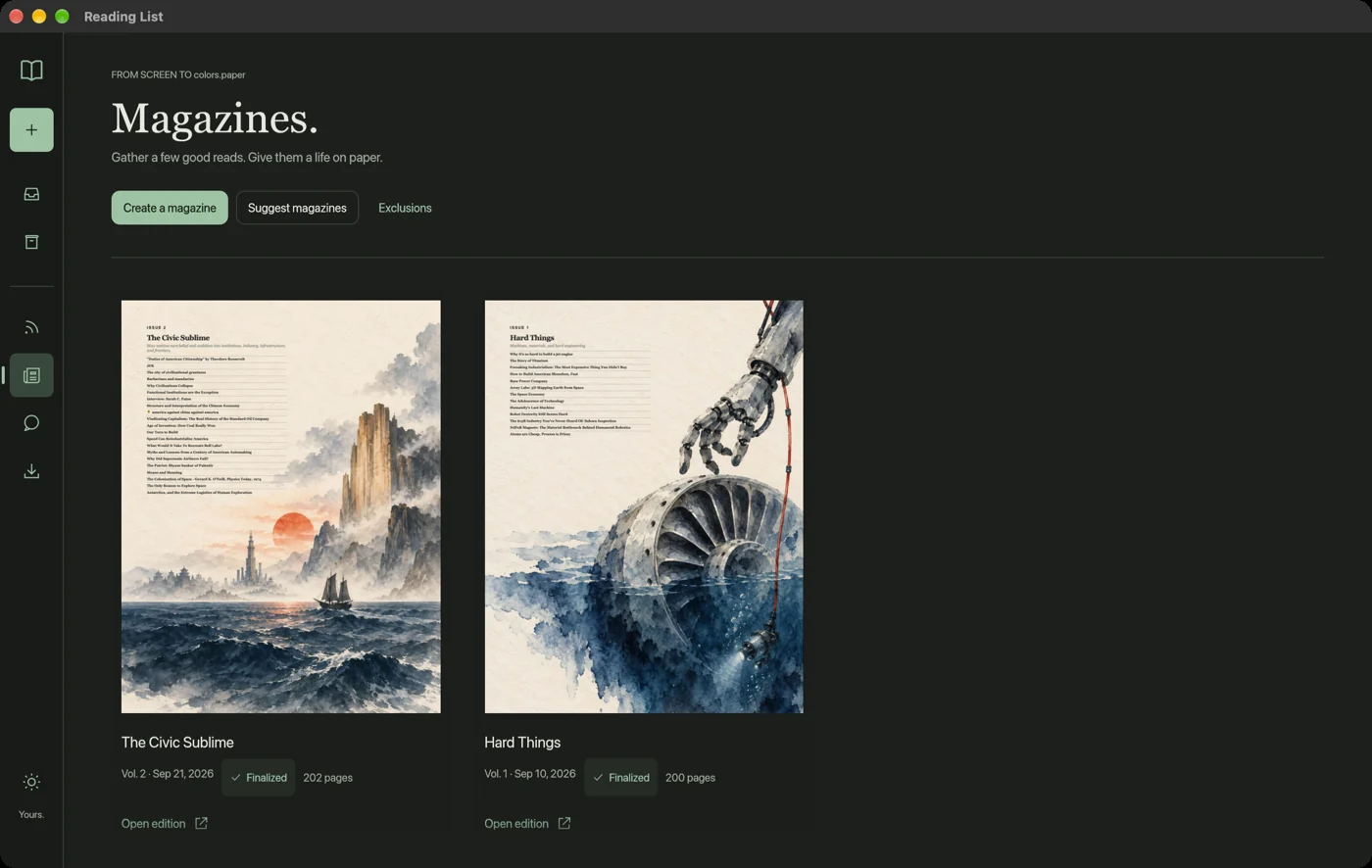
Magazines
Pick a handful of articles, choose paper size, columns and typefaces, and get a print-ready PDF edition with a painted cover.
Written in Rust with native macOS text and PDF rendering. No web view, no Electron. The whole thing fits in under 100 MB.
Your library lives on your Mac. No account, no sync server, no tracking of what you read.
Light and dark themes, Georgia, Baskerville, Avenir Next or Helvetica Neue, and adjustable text size.
Free for Apple silicon Macs on macOS 13 and later.
Download for MacFirst launch: macOS will say it can't check the app. Click Done, then open System Settings › Privacy & Security and choose Open Anyway.